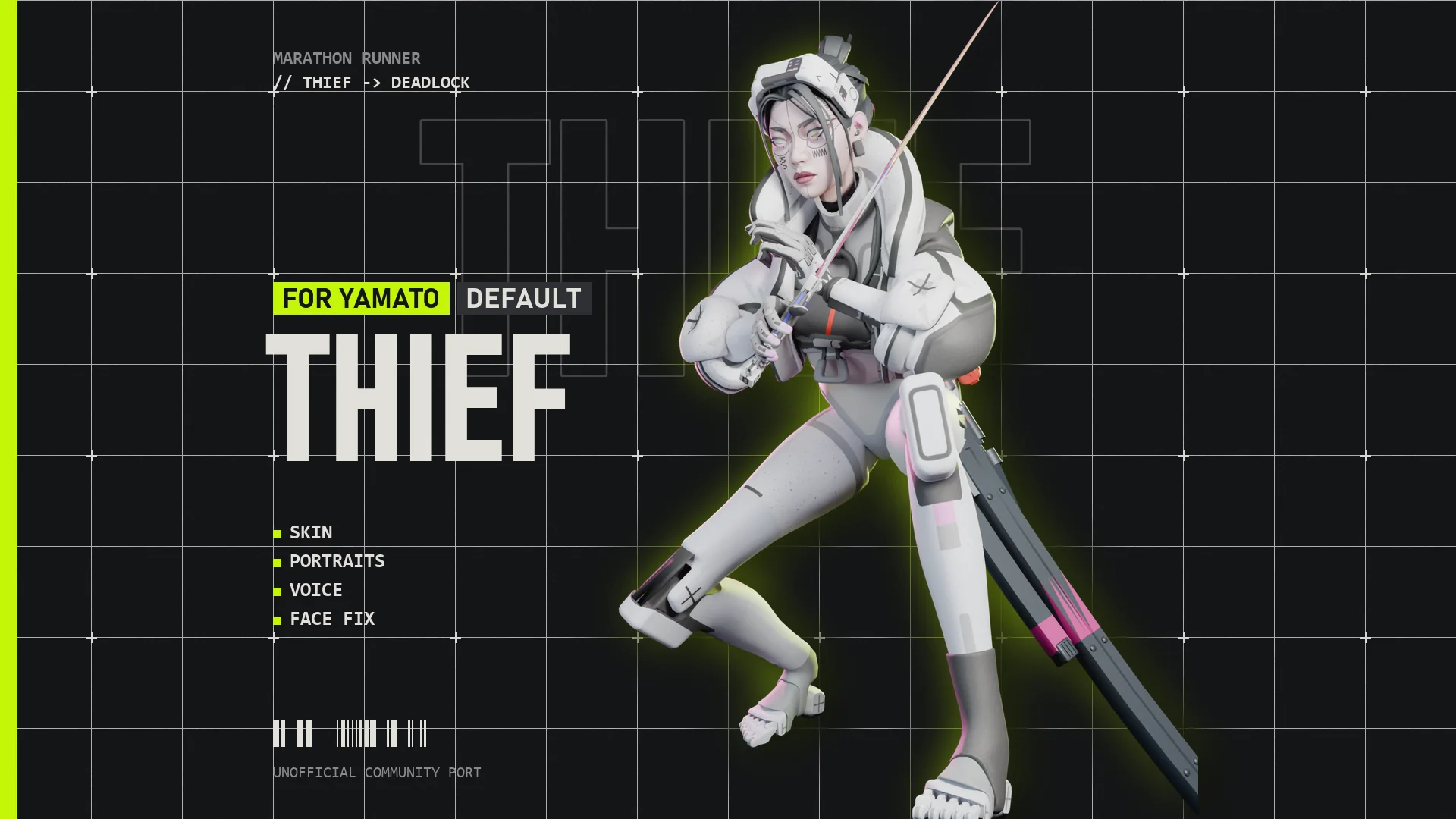
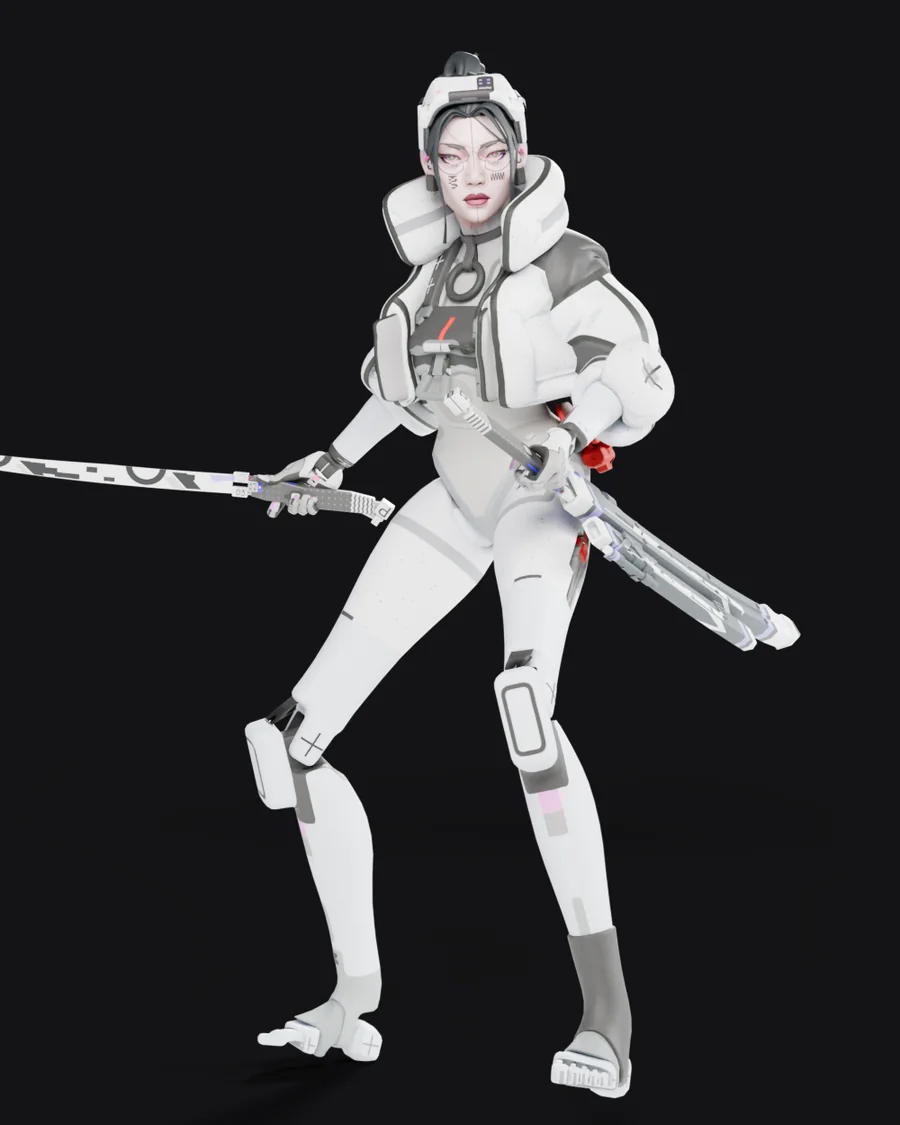
For Yamato
Marathon Thief for Yamato
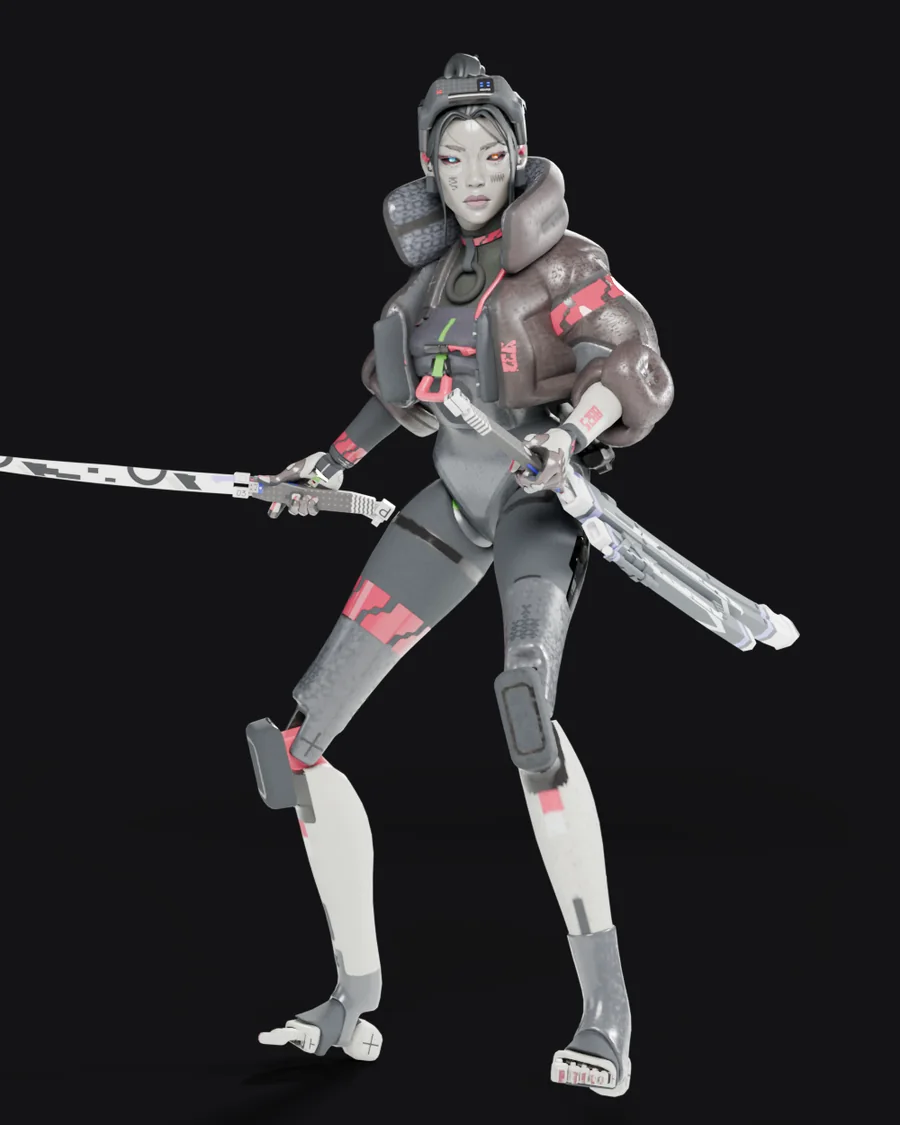
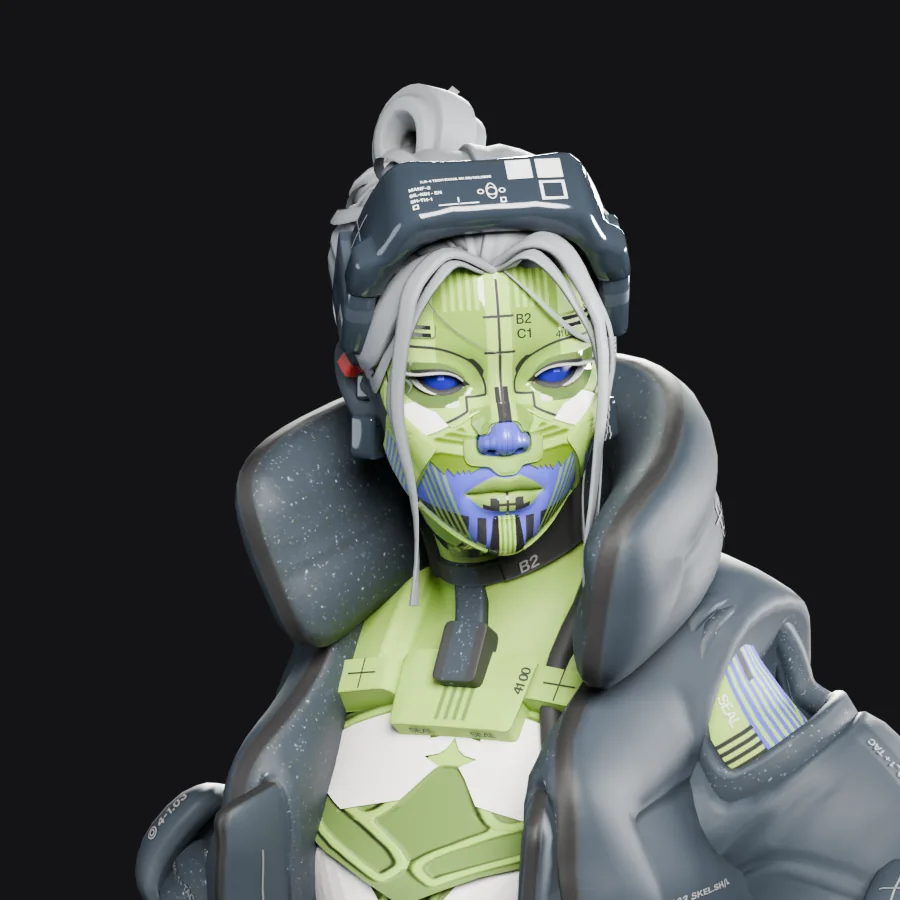
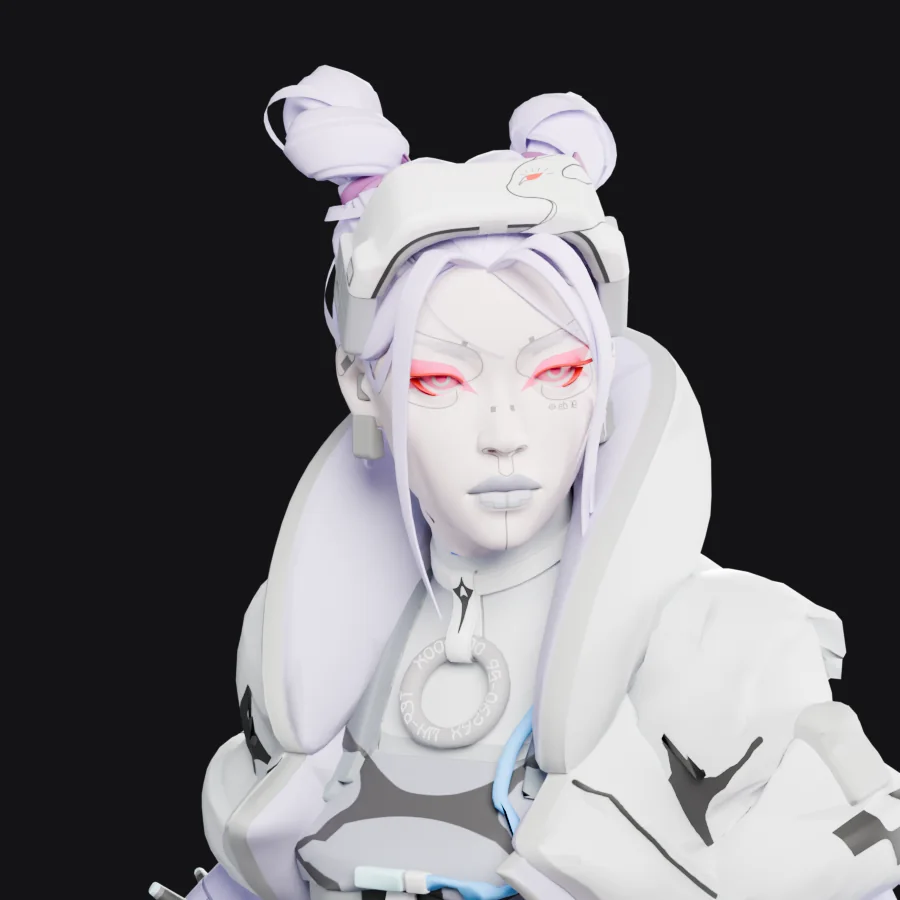
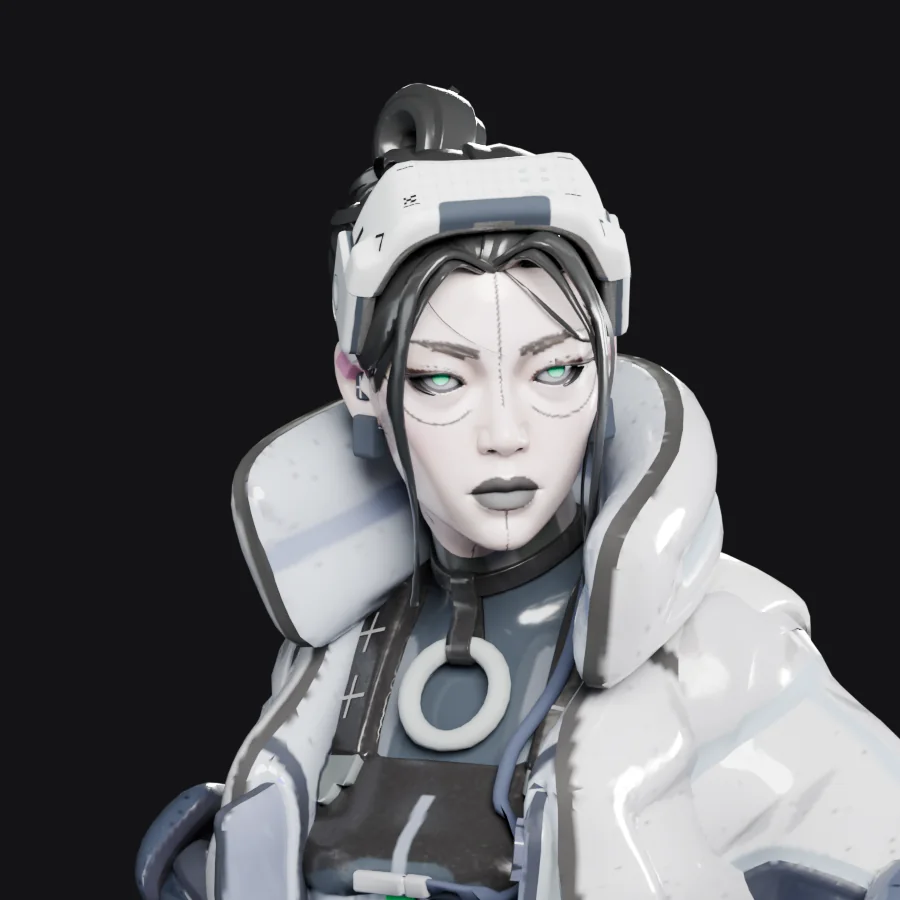
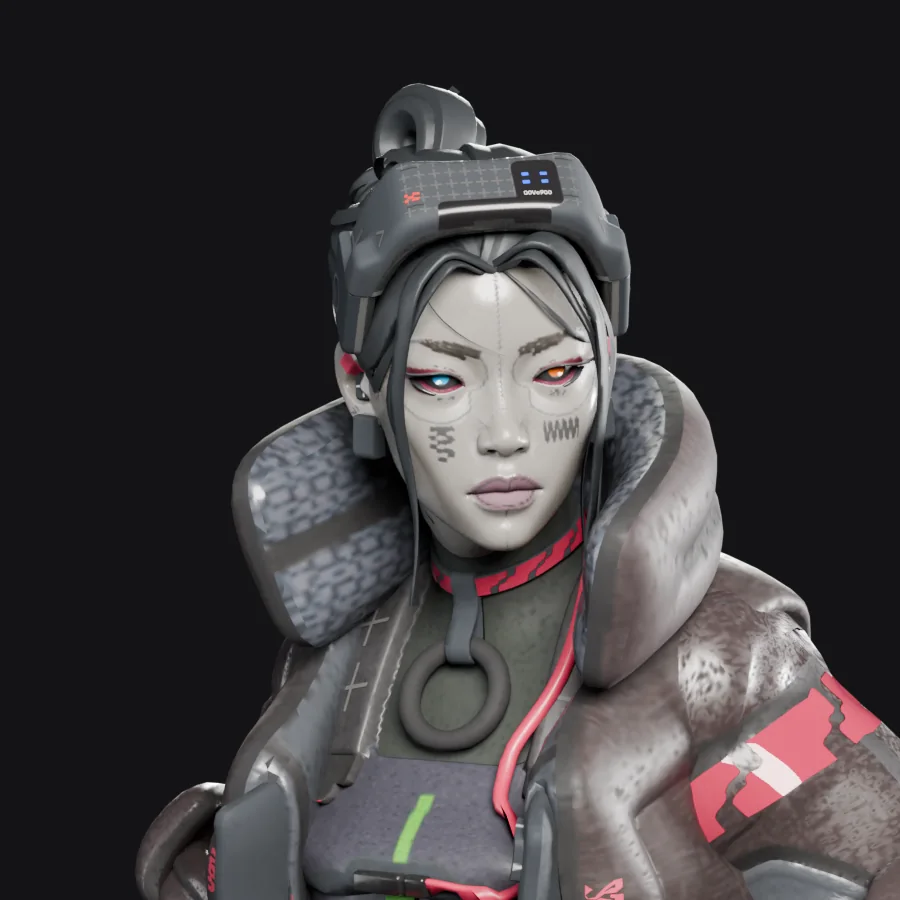
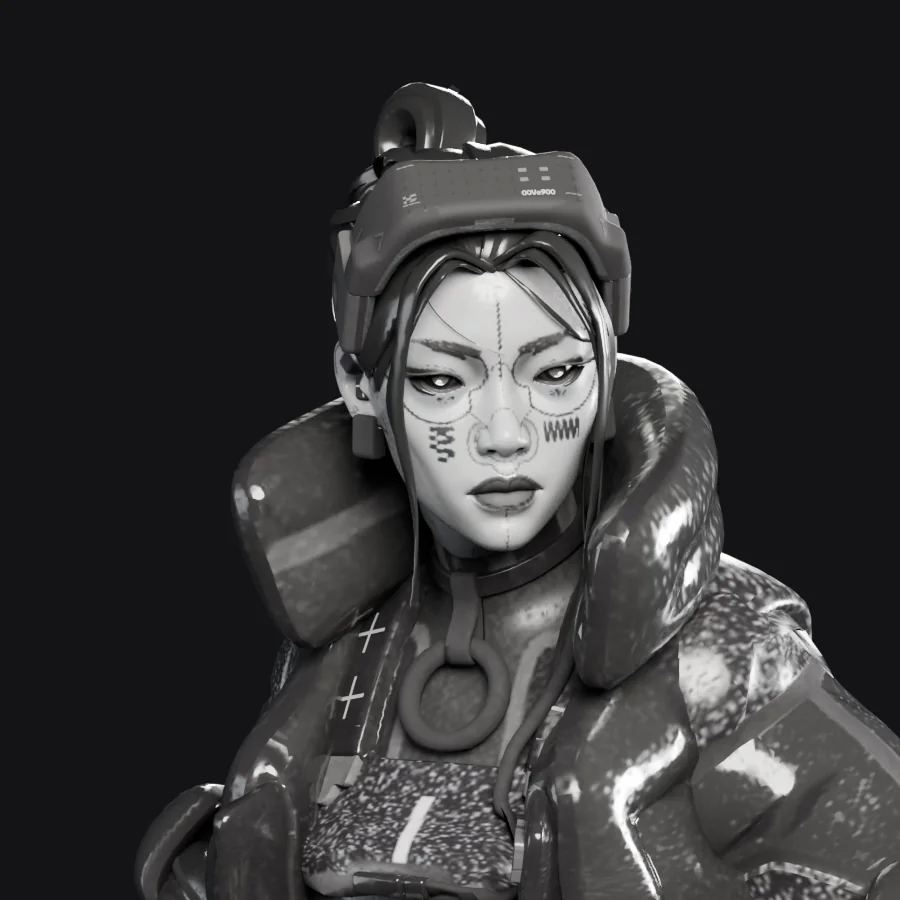
Turns Yamato into Thief, the Marathon runner, with her full outfit, portraits and voice.
Download Thief
Or pick from 9 other looks
Pick a look
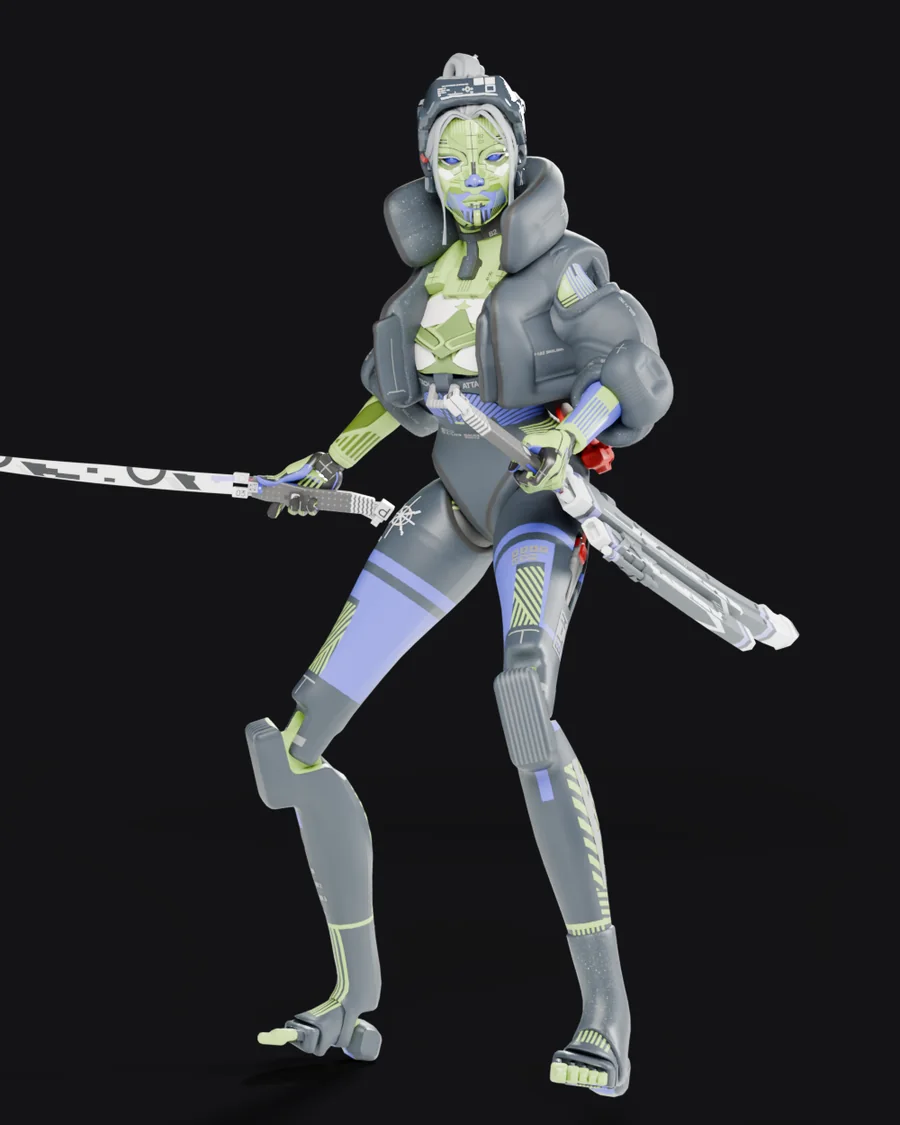
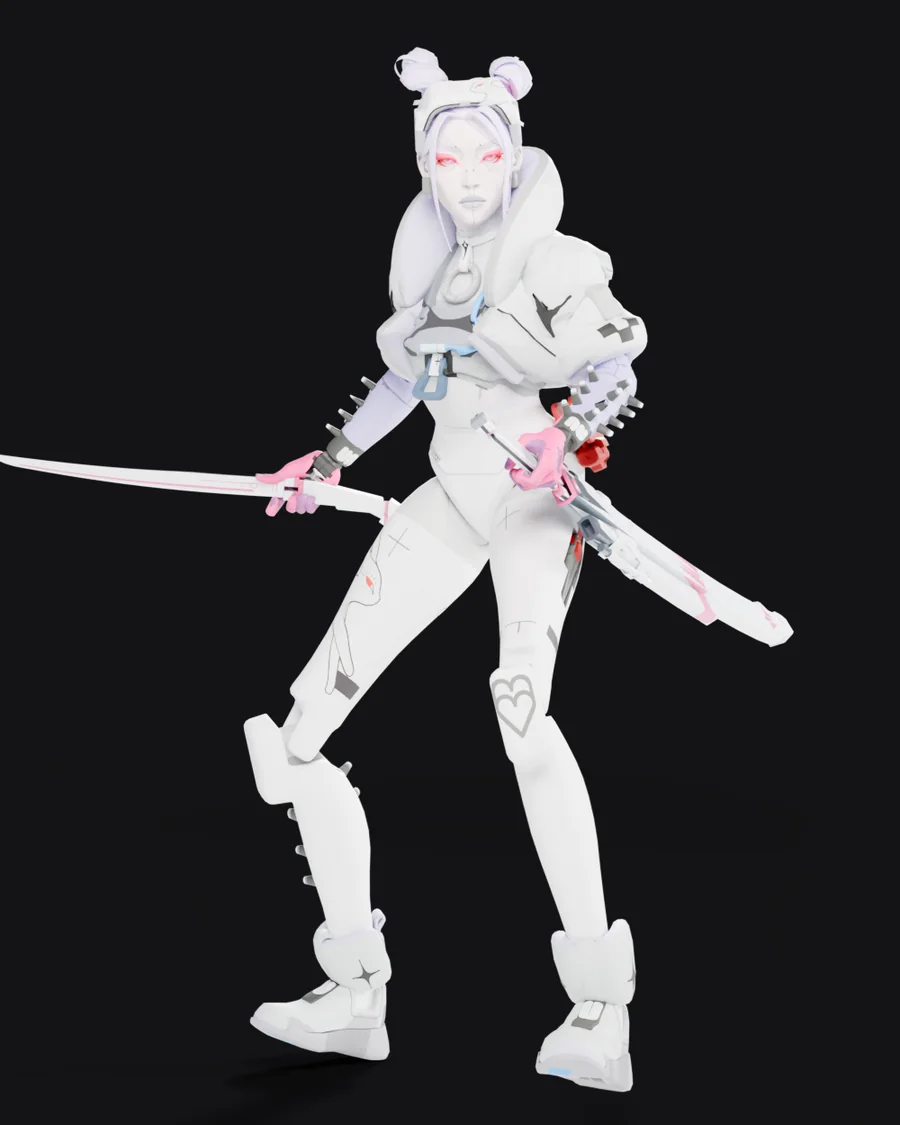
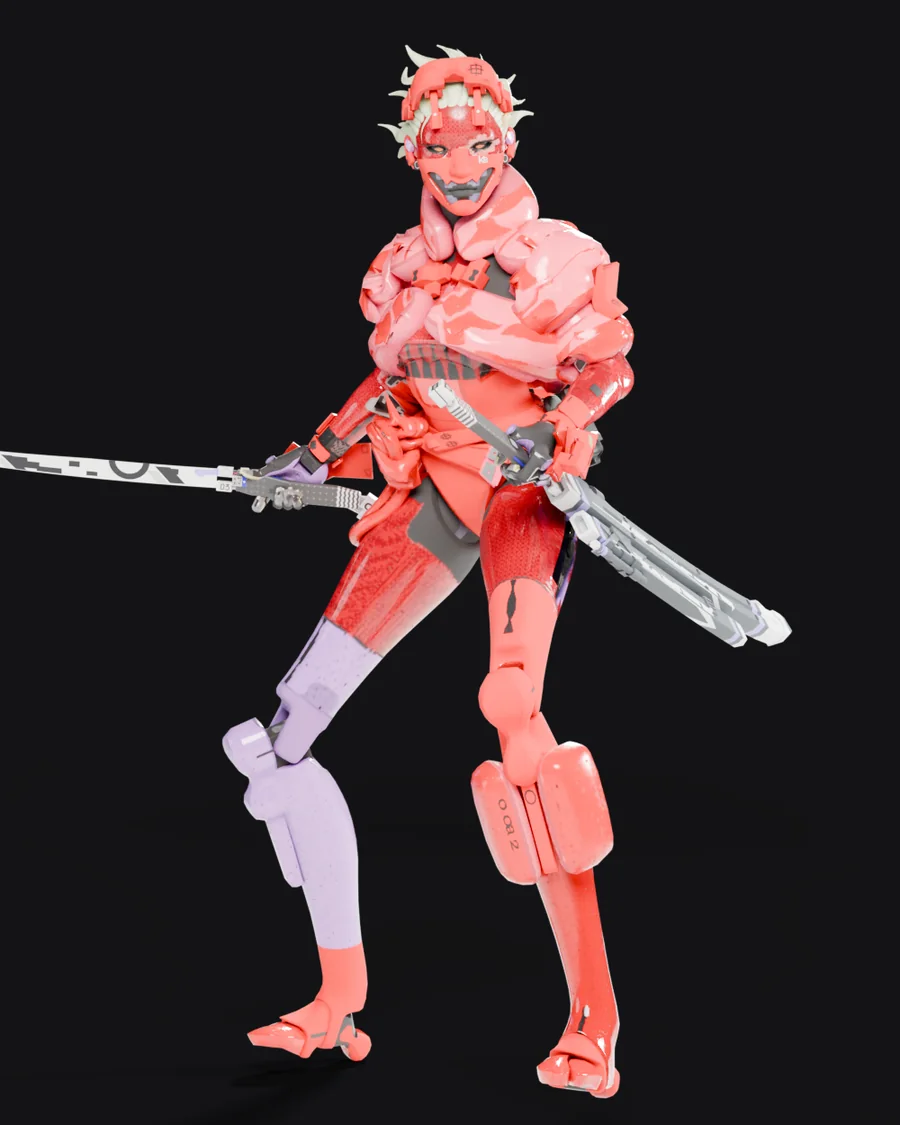
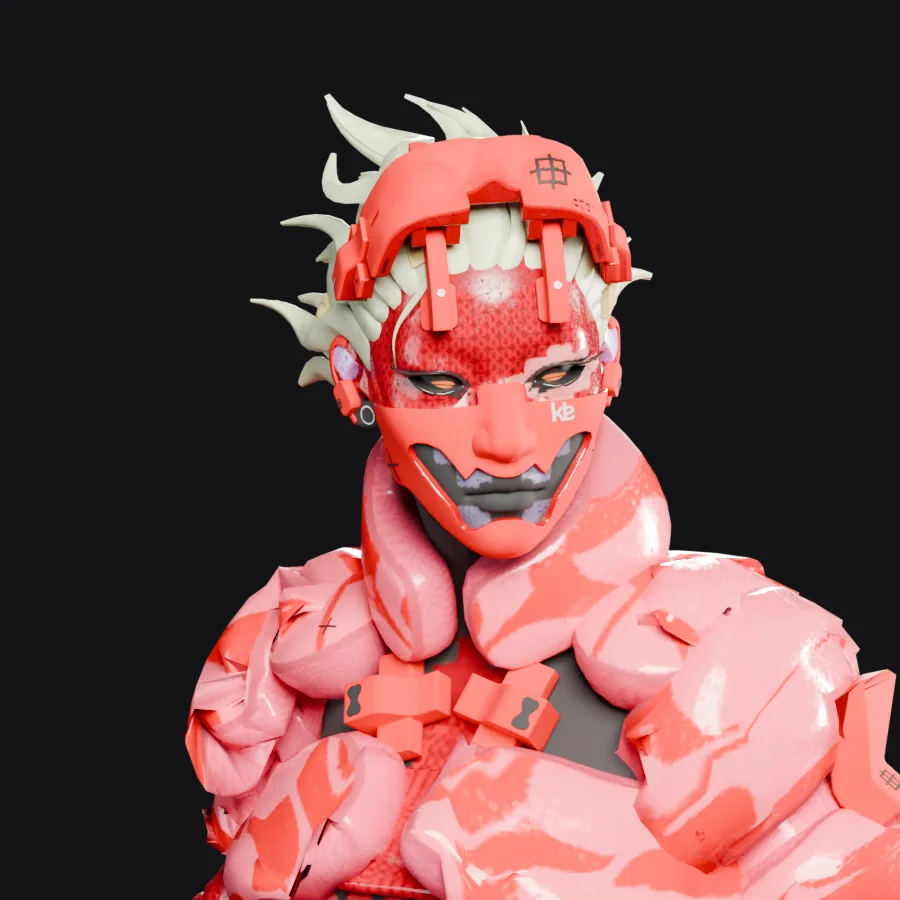
Kasha Yōkai
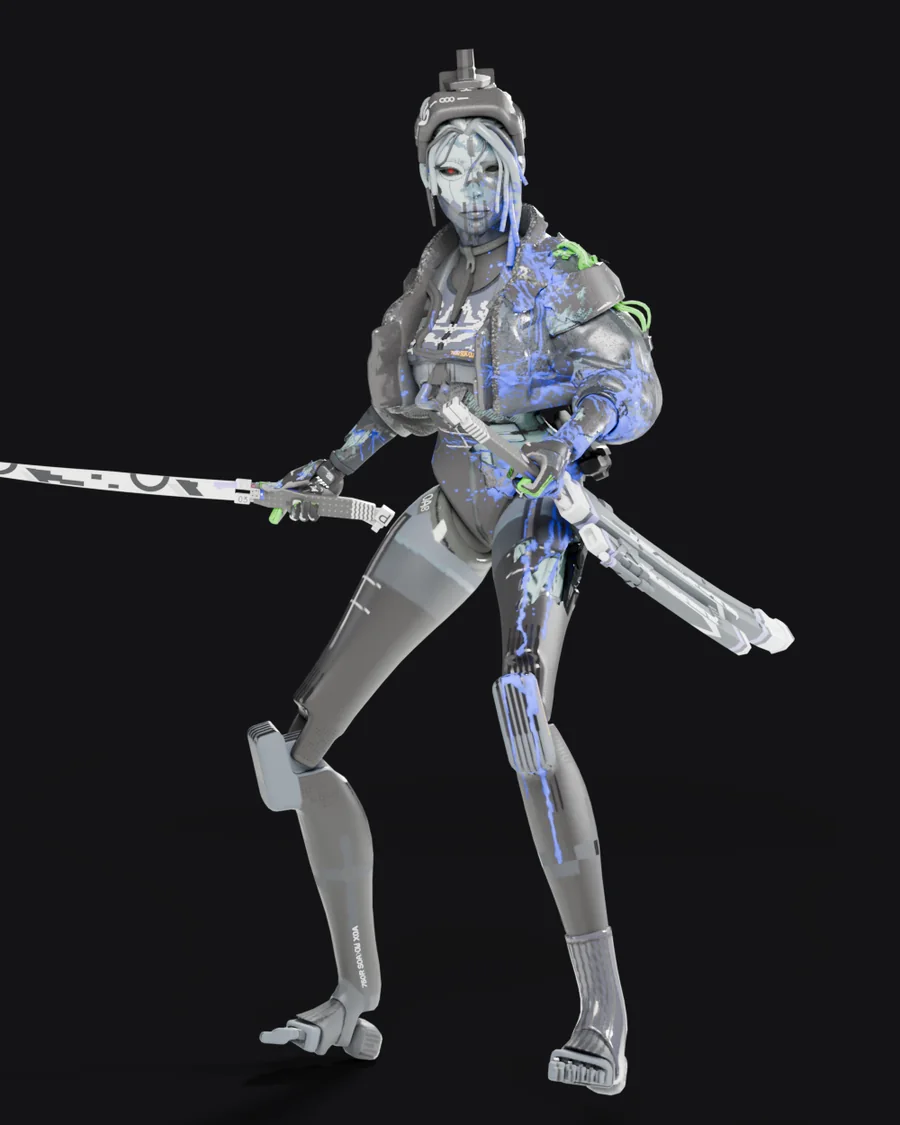
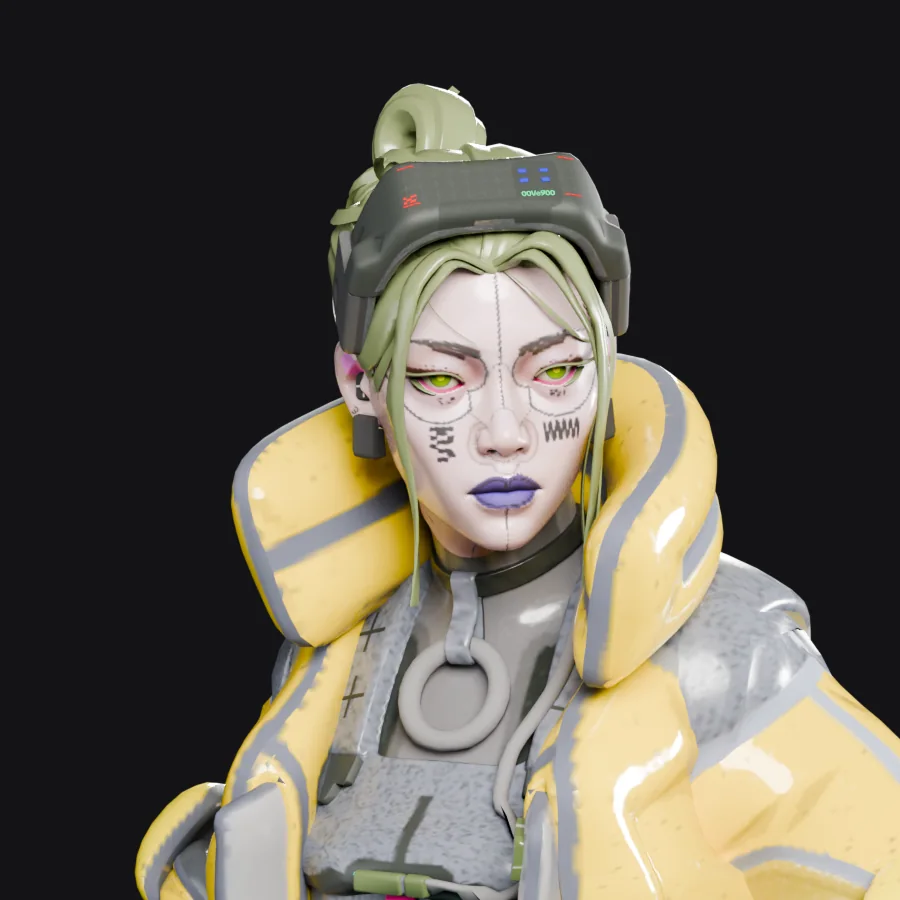
Red armour, a full face mask and pale spiked hair. Comes with its own voice lines.
Download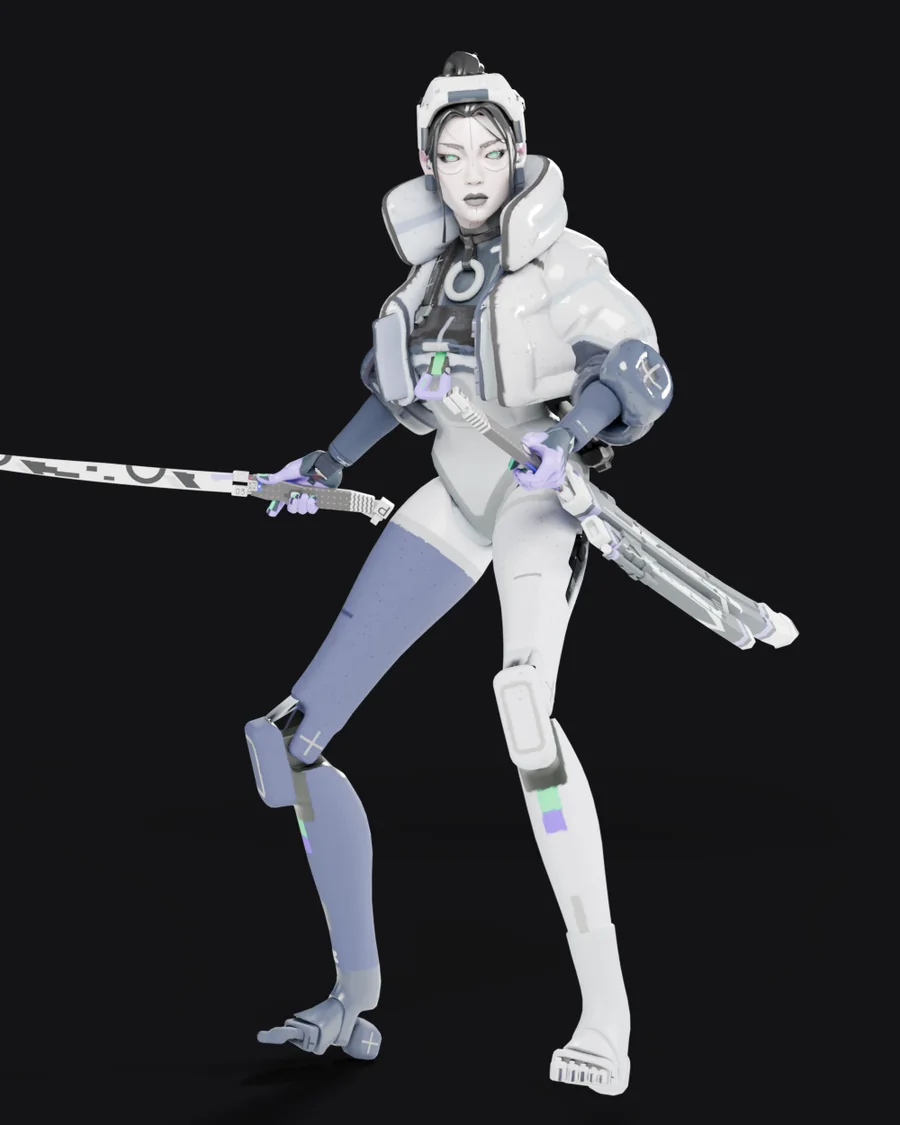
What's in it
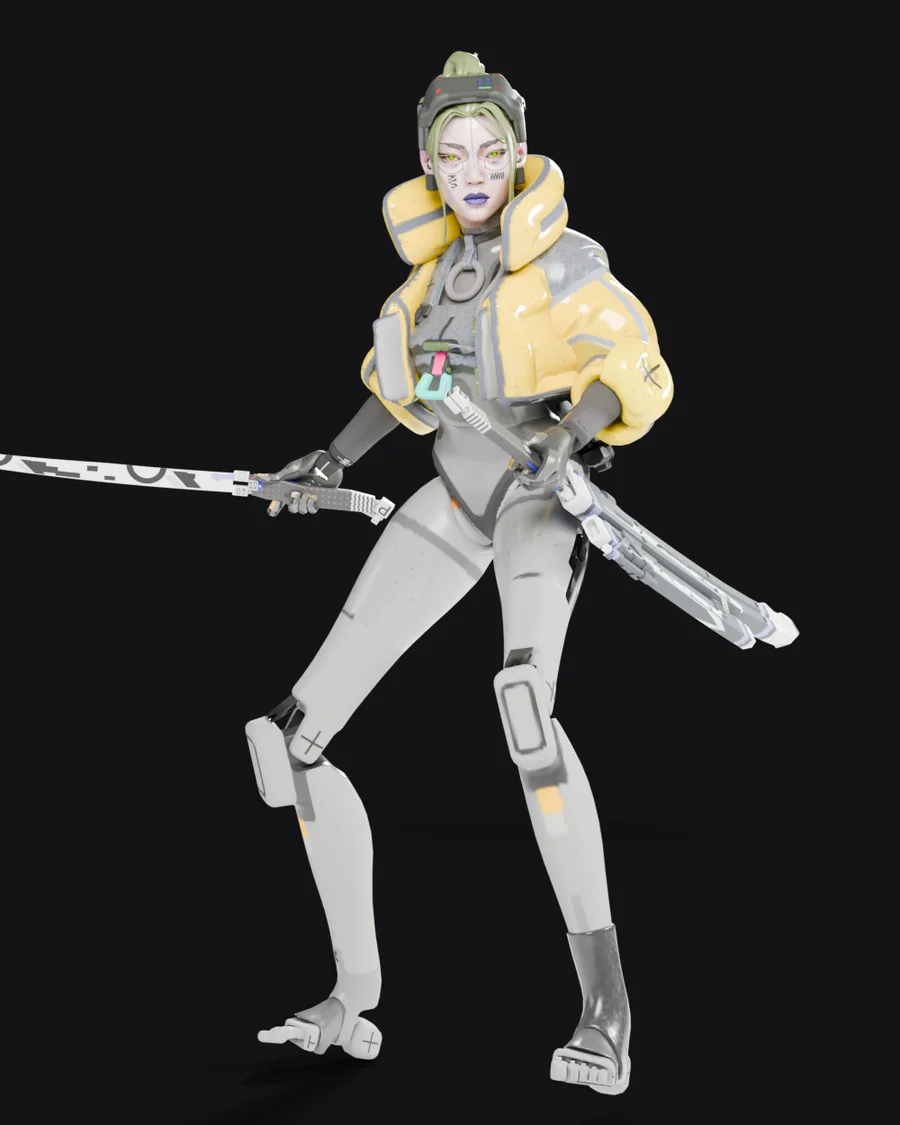
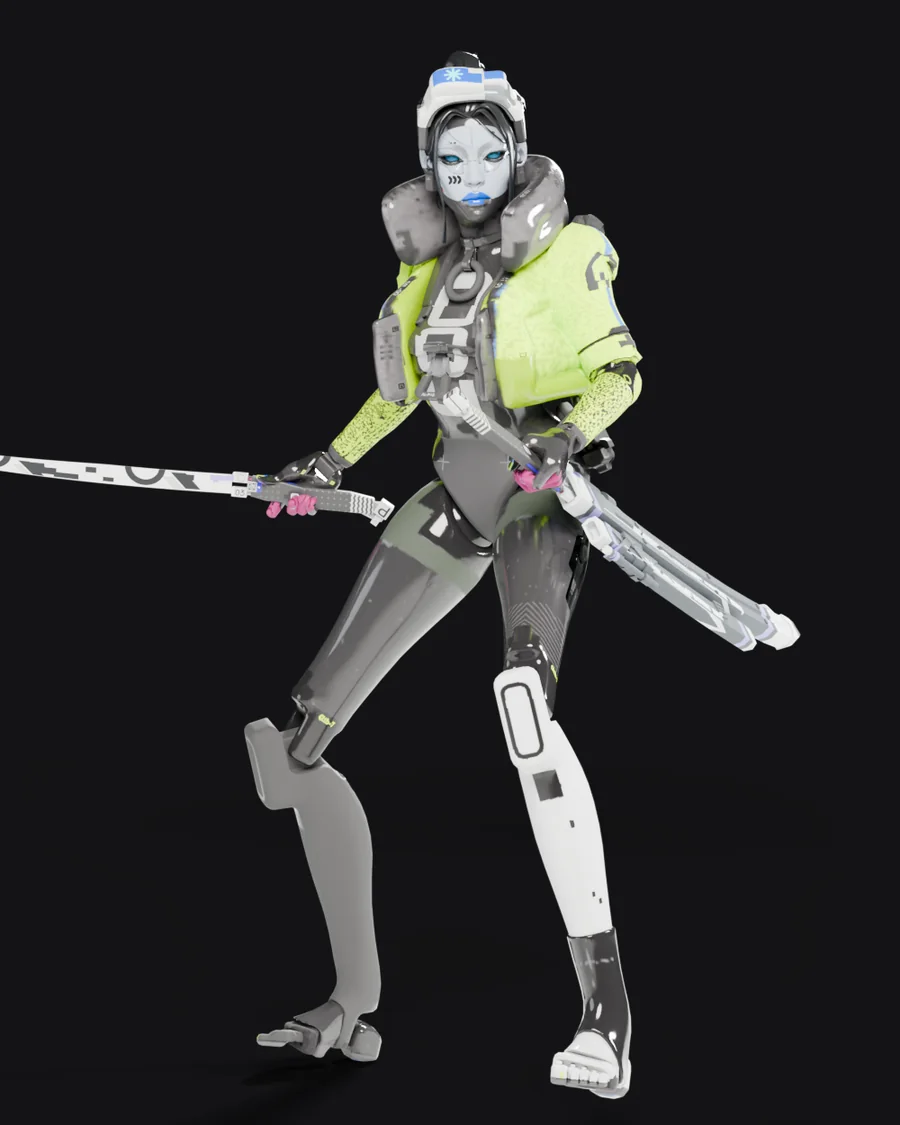
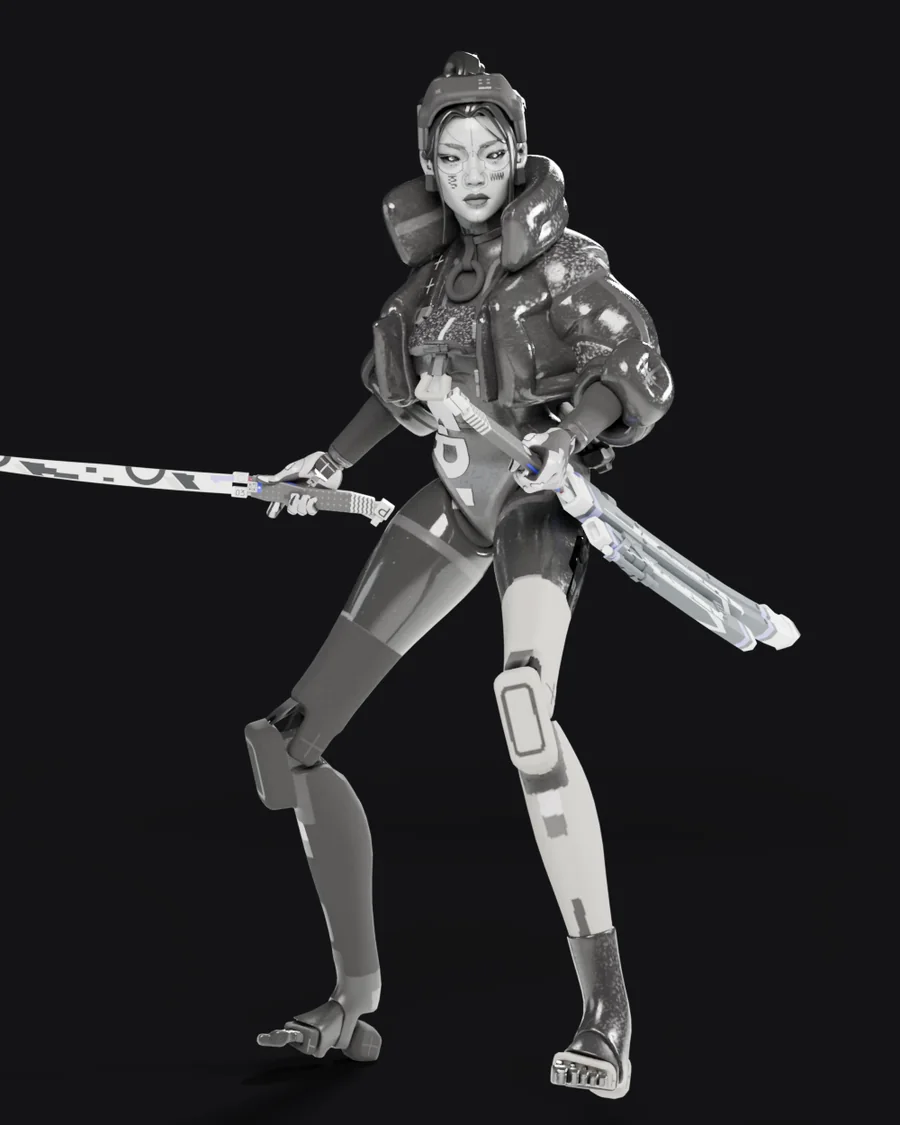
- Full Thief character model and textures
- Ten looks to pick from, each its own download
- Thief hero portraits
- Thief voice lines in place of Yamato's
- Her face stays visible in every animation
Install in three steps
-
Download the zip
Click Download Thief. Keep the file zipped. You don't need to open it.
-
Add it to Deadlock Mod Manager
Open Deadlock Mod Manager and click Add Local Mod in the sidebar. Drag the zip onto the drop box, type a name like "Thief", then click Add.
No mod manager yet? It's free at deadlockmods.app.
-
Enable it and play
Go to Mods Library, find Thief and click Enable. Start the game with Launch modded.
Each look is its own mod, and only one Yamato skin can be on at a time. Enable one look and disable any other Yamato skin.
More help
Install without a mod manager
- Unzip the download. Inside is one file: pak01_dir.vpk.
- In Steam, right-click Deadlock and choose Manage, then Browse local files.
- Open game\citadel. If there's no addons folder, create one.
- Move pak01_dir.vpk into addons. If a file with that name is already there, rename yours to the next free number instead: pak02_dir.vpk, pak03_dir.vpk and so on.
- One-time setup: open game\citadel\gameinfo.gi in Notepad, find SearchPaths, and add the highlighted line right under Game_Language. Save the file.
SearchPaths
{
    Game_Language   citadel_*LANGUAGE*
    Game            citadel/addons
    Mod             citadel
    ...
Deadlock updates can reset gameinfo.gi. If mods stop loading after a patch, add the line again. Deadlock Mod Manager does this for you automatically.
Update to a new version
- Download the new zip from this page.
- In Deadlock Mod Manager, open Mods Library, open Thief and click Delete Mod to remove the old version.
- Add the new zip with Add Local Mod and enable it, the same as the first install.
Installed by hand? Replace your pakNN_dir.vpk in addons with the one from the new zip, keeping the same file name.
Mods added with Add Local Mod don't get update alerts in the mod manager, so check this page now and then.
Uninstall
In Deadlock Mod Manager, click Disable to turn it off, or Delete Mod to remove it completely. Installed by hand? Delete the pakNN_dir.vpk you added to addons.
The skin doesn't show up in game
- Make sure Thief is enabled in Mods Library and that no other Yamato skin is enabled.
- Close Deadlock completely and start it again with Launch modded. Mods load when the game starts.
- Still nothing? In Deadlock Mod Manager, disable all mods, delete Thief, add the zip again and enable only this mod.
I installed it from GameBanana before
Please replace it with the version on this page. The first version could make other players' Yamatos T-pose or crash the game in matches. Delete the old one in Deadlock Mod Manager, then follow the three steps above.
Can other players see it?
No. Mods only change your own game. You'll see every Yamato as Thief, and other players see whatever they have installed. It changes looks and sounds only, nothing about gameplay.
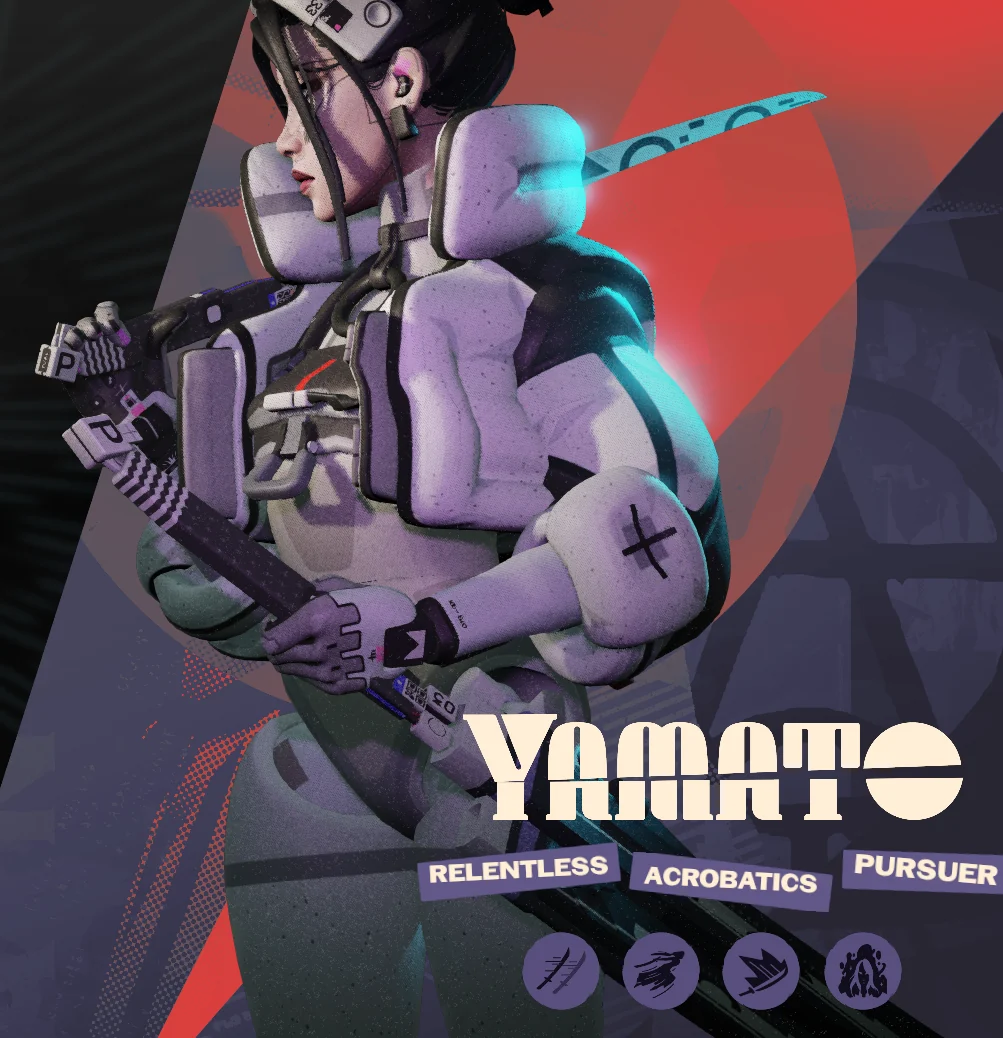
Gallery
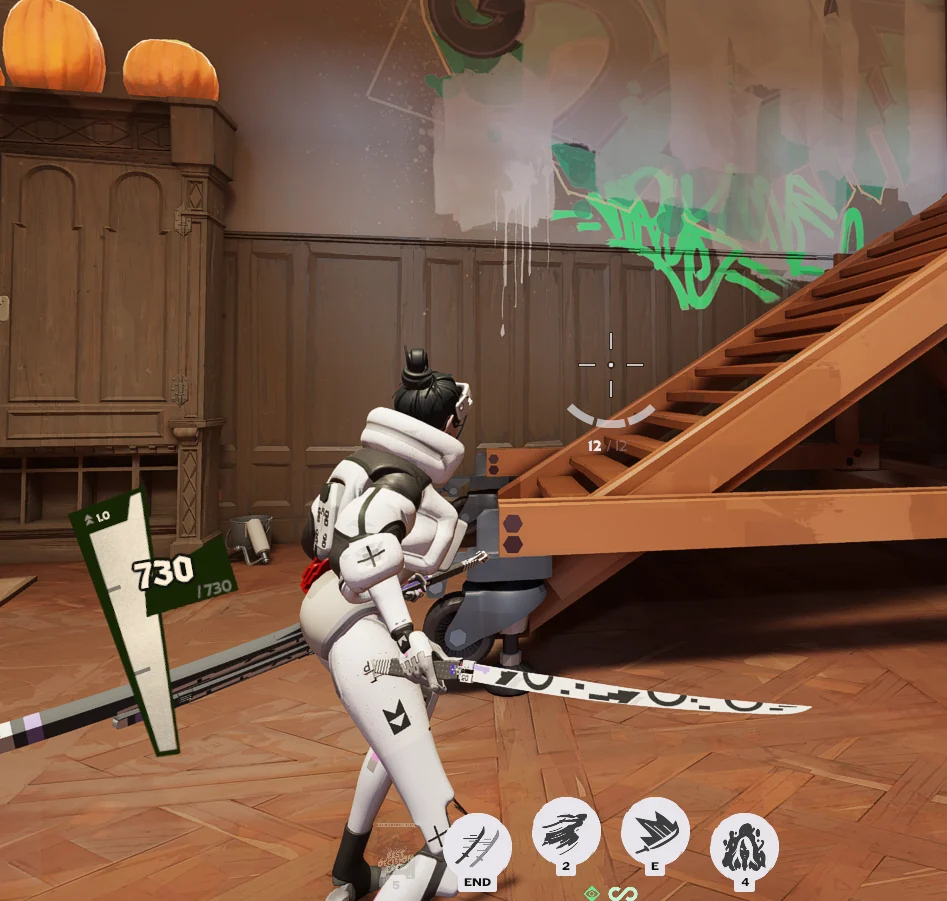
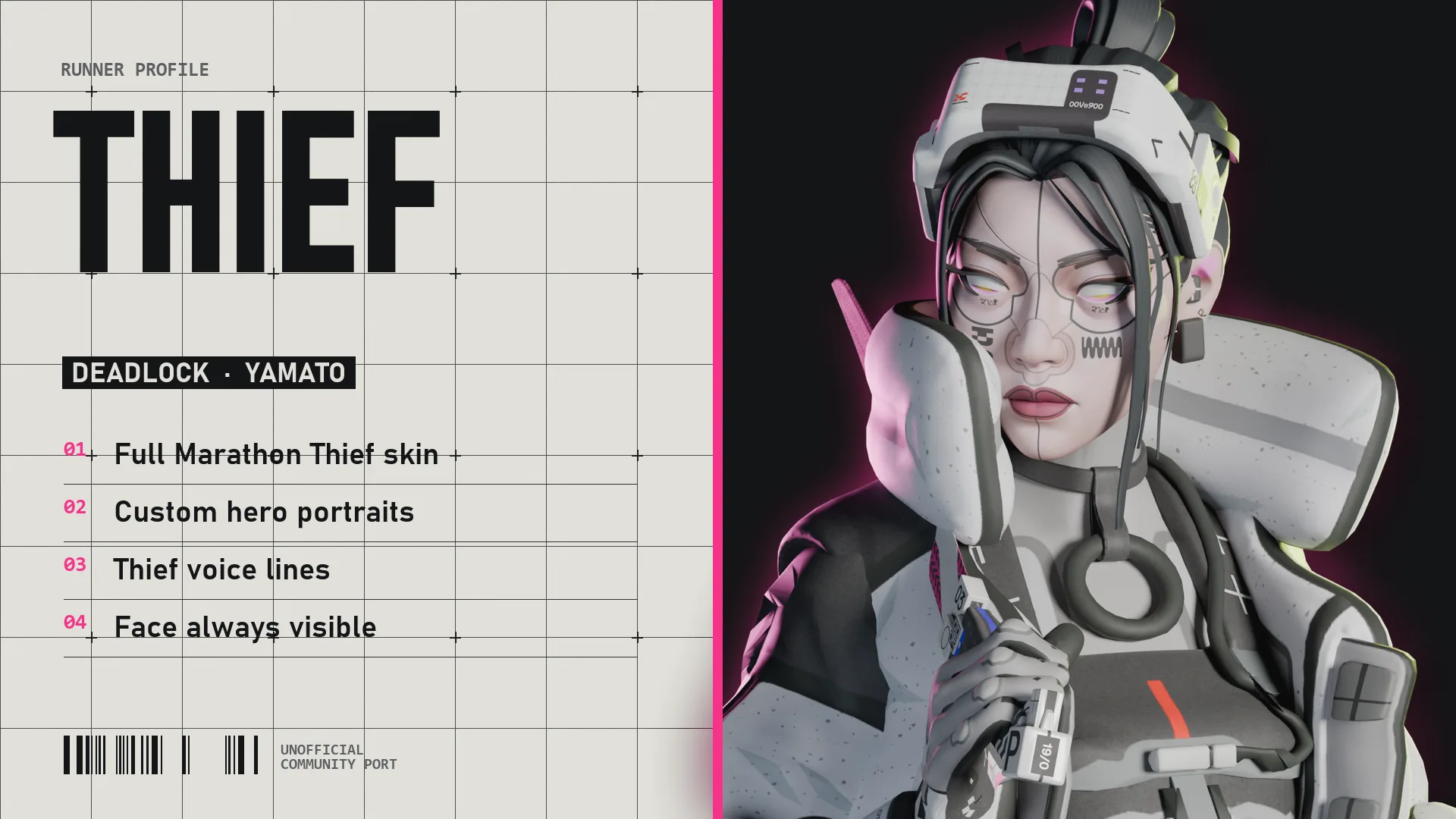
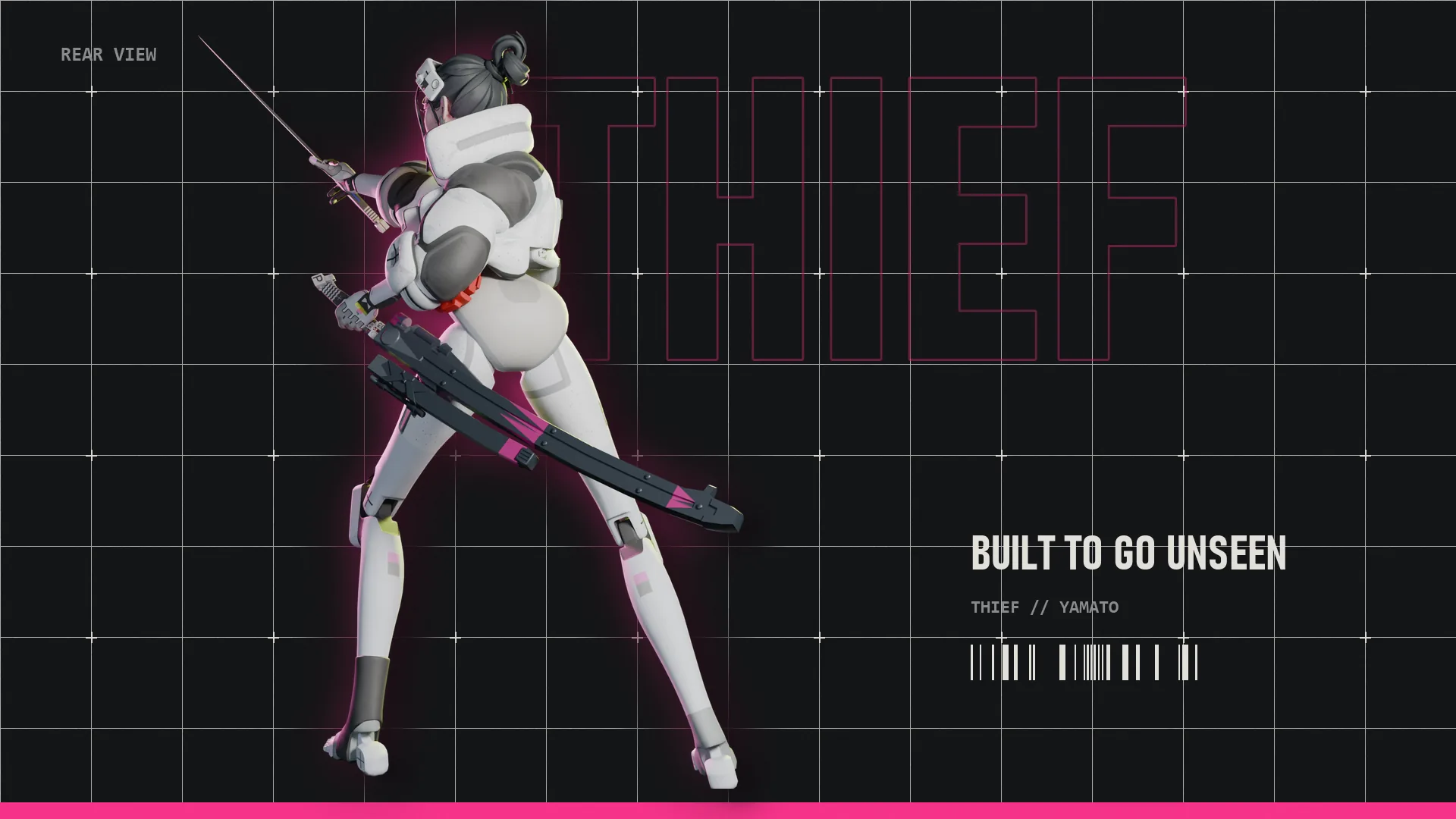
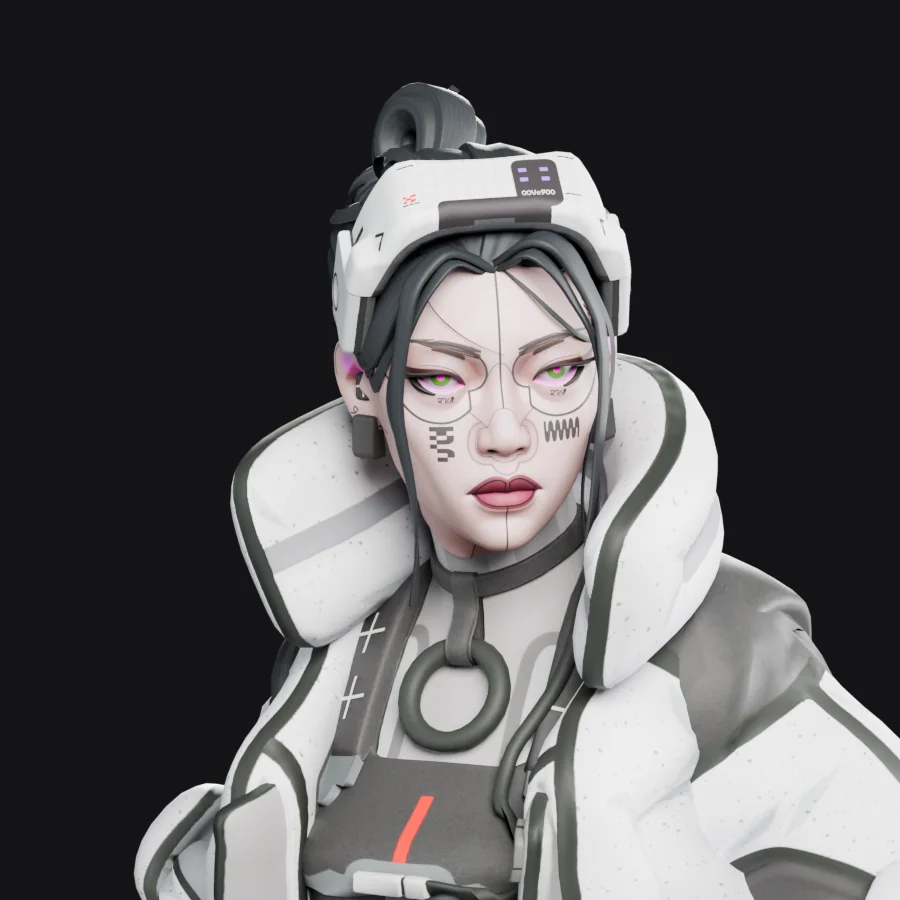
Changelog
1.3
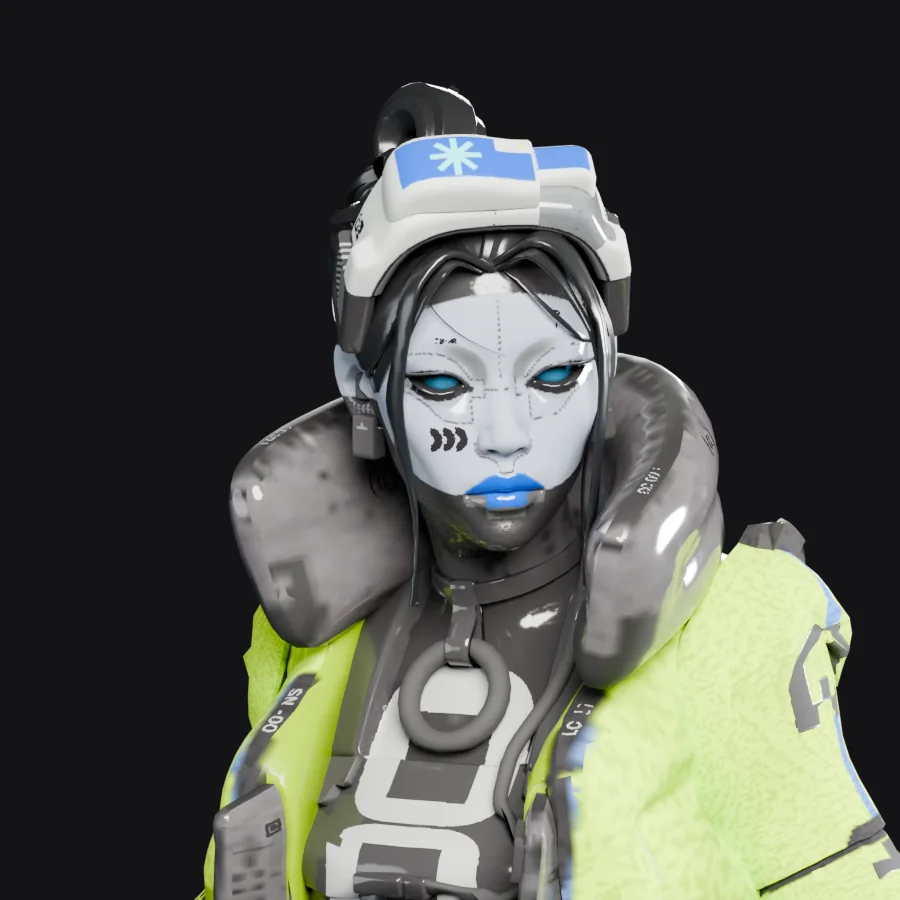
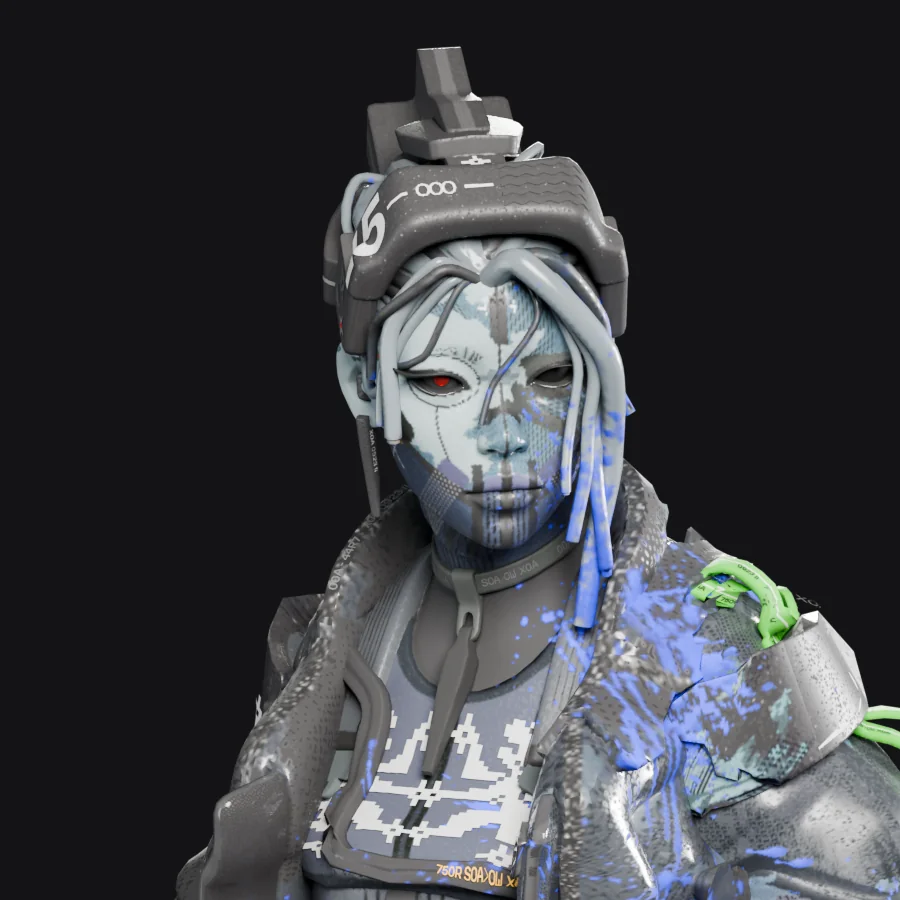
- Seven more looks: Kasha Yōkai, Slick Getter, Trespass Protocol, Acid Abyss, Midnight Decay, Vox Nocturna and Achromatic Rush.
- Kasha Yōkai uses its own voice lines from Marathon in place of Thief's.
- Default, endoFLEX and White Rabbit are the same as in 1.2.
1.2
- Her eyes show their irises again. A grey layer was covering them.
- Two more looks: endoFLEX and White Rabbit, each as its own download.
1.1
- Fixed other players' Yamatos T-posing, teleporting or crashing the game for anyone with the mod installed.
- The visor no longer lowers when crouching. It may come back in a later version.
1.0
- First release.
Credits
Made by Vyrena. This mod was made with heavy AI assistance.
Unofficial community port. Marathon, its characters and assets belong to Bungie. Deadlock belongs to Valve. Not affiliated with or endorsed by either.
Found a problem? Report it on GitHub.
Also available
Vandal for Calico